You type your brand into Google and feel that little drop in the stomach when you don’t appear above the fold. The room seems louder. Your site loads fine, but the silence from organic traffic is deafening. You’ve heard that free SEO software can help, yet every list feels like a tangle of dashboards, chrome extensions, and jargon. Here’s the twist: you don’t need to be an SEO geek or spend a penny to start fixing the leaks and finding wins today. In this guide, you’ll learn exactly how to use free SEO software,smartly and simply,to surface keywords, tighten on‑page, and diagnose technical issues without drowning in tools.
Over the last year I’ve helped founder‑led teams go from “we’ve no idea why we’re not ranking” to shipping content and climbing results using a lean, no‑cost stack. The counterintuitive bit? Less collection, more action. You’ll combine three or four dependable tools rather than 12, and you’ll work to a weekly cadence that actually sticks. Read on and you’ll get clear workflows, UK‑relevant examples, and when to graduate to a guided planner like MyMarketr when free stops being enough.
Key Takeaways
- Use a lean stack of free SEO software—Google Search Console, Screaming Frog, Ahrefs Webmaster Tools, SEOquake, and AnswerThePublic—to cover essentials and drive weekly action.
- Overcome free-tool limits by triangulating data (GSC, UK‑targeted Keyword Planner, and live SERPs) and sampling priority sections in crawls.
- Start with GSC queries showing impressions but low CTR, then group keywords by intent and align content to the SERP format for faster wins.
- Optimise on‑page with clear, benefit‑led titles, concise answers for snippets, intent‑driven structures, and basic checks via Yoast or a snippet simulator.
- Fix technical issues in this order: broken links, duplicate or missing metadata, accidental non‑indexing, and Core Web Vitals using PageSpeed Insights.
- Track trends in GSC rather than daily ranks, and move beyond free SEO software to a guided planner like MyMarketr when you need deeper tracking and team‑wide planning.
What To Expect From Free SEO Software

Core Strengths And Use Cases
Free tools cover the essentials surprisingly well. You can:
- See impressions, clicks, CTR, and average position in Google Search Console (GSC) to understand what Google already trusts on your site.
- Check basic technical health with crawl limits using Screaming Frog (free up to 500 URLs) and Bing Webmaster Tools.
- Get quick page‑level audits and on‑page hints via SEOquake or similar extensions.
- Snapshot backlinks and referring domains with Ahrefs Webmaster Tools (AWT) on a verified site.
- Ideate topics and questions using AnswerThePublic or Google’s own suggestions.
Used together, that’s enough to spot cannibalisation, tidy metadata, fix obvious crawl issues, and spin up a content plan grounded in search demand.
Common Limitations And Workarounds
Free often means caps. You’ll hit crawl limits in Screaming Frog on larger sites, keyword caps in some tools, and thinner historical data. Competitive insight can feel shallow. Work around those gaps by:
- Triangulating. Validate the same keyword via GSC performance, Google Keyword Planner volume ranges, and live SERPs.
- Sampling. Crawl priority sections (top categories, primary templates) first, then rotate.
- Using manual SERP reads for intent and feature analysis when rank trackers are restricted.
Selection Criteria For Choosing Tools
Pick by job‑to‑be‑done, not buzz. Ask: will this help me diagnose technical issues, choose topics, optimise pages, or report clearly? Prefer tools that:
- Integrate with your CMS or work from the browser.
- Provide UK market targeting or data relevant to your audience.
- Are quick to learn so you actually use them every week.
If you’re a small team, one tool for each pillar (technical, keywords, on‑page, reporting) beats five overlapping options.
Keyword Research On A Budget
Essential Metrics And Where To Get Them
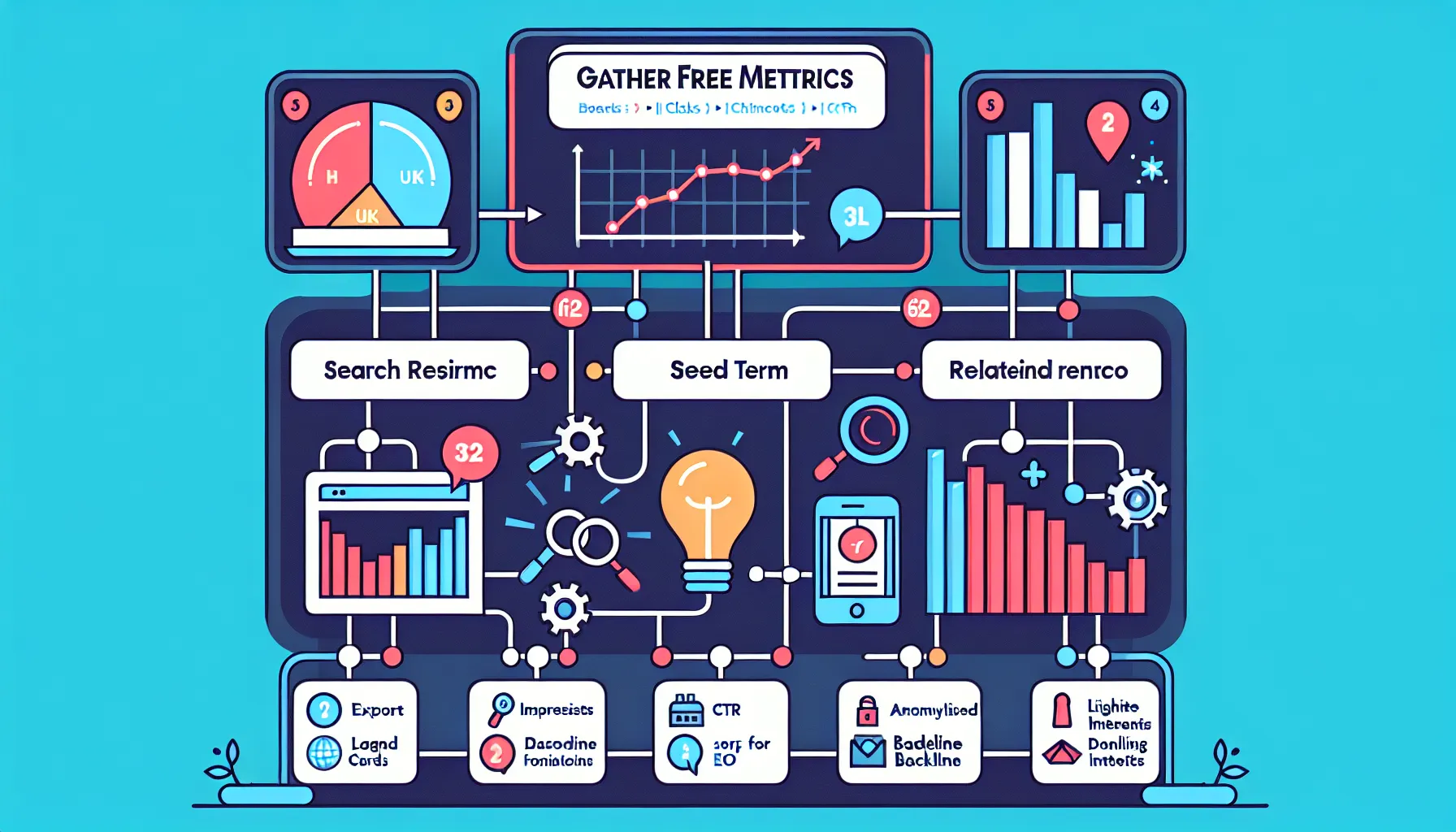
You don’t need a paid suite to get the numbers that matter:
- Impressions, clicks, CTR, average position: Google Search Console.
- Query volumes and trends: Google Keyword Planner (range‑based but reliable directionally for the UK), plus Google Trends for seasonality.
- Related questions and angles: AnswerThePublic and People Also Ask boxes.
- Baseline backlink/referring domains for authority sense‑check: Ahrefs Webmaster Tools.
Free Workflows For Finding And Prioritising Keywords
Start with what you already rank for. Pull a GSC export of queries with impressions but CTR under 2%. Those are quick wins with better titles and meta descriptions. Next, open Keyword Planner, plug in seed terms plus locations (e.g. “Swindon” if you’re targeting “SEO Swindon”). Group terms by intent: informational guides, service pages, comparisons.
Then, sanity‑check the SERP. Search the target phrase in an incognito window, UK location, and note: are top results guides, tools, or agency pages? If the SERP is stacked with listicles, a transactional service page will struggle: create a guide and internally link to your service instead.
Prioritise by:
- Business fit (does the query map to a product or service?).
- Difficulty proxy (quality of current top results and domain strength).
- Opportunity size (impressions in GSC and volume ranges in Keyword Planner).
Small step that pays off: label each target with one verb,rank, refresh, or build. It keeps your backlog actionable.
On‑Page And Content Optimisation
Analysing Search Intent And SERP Features
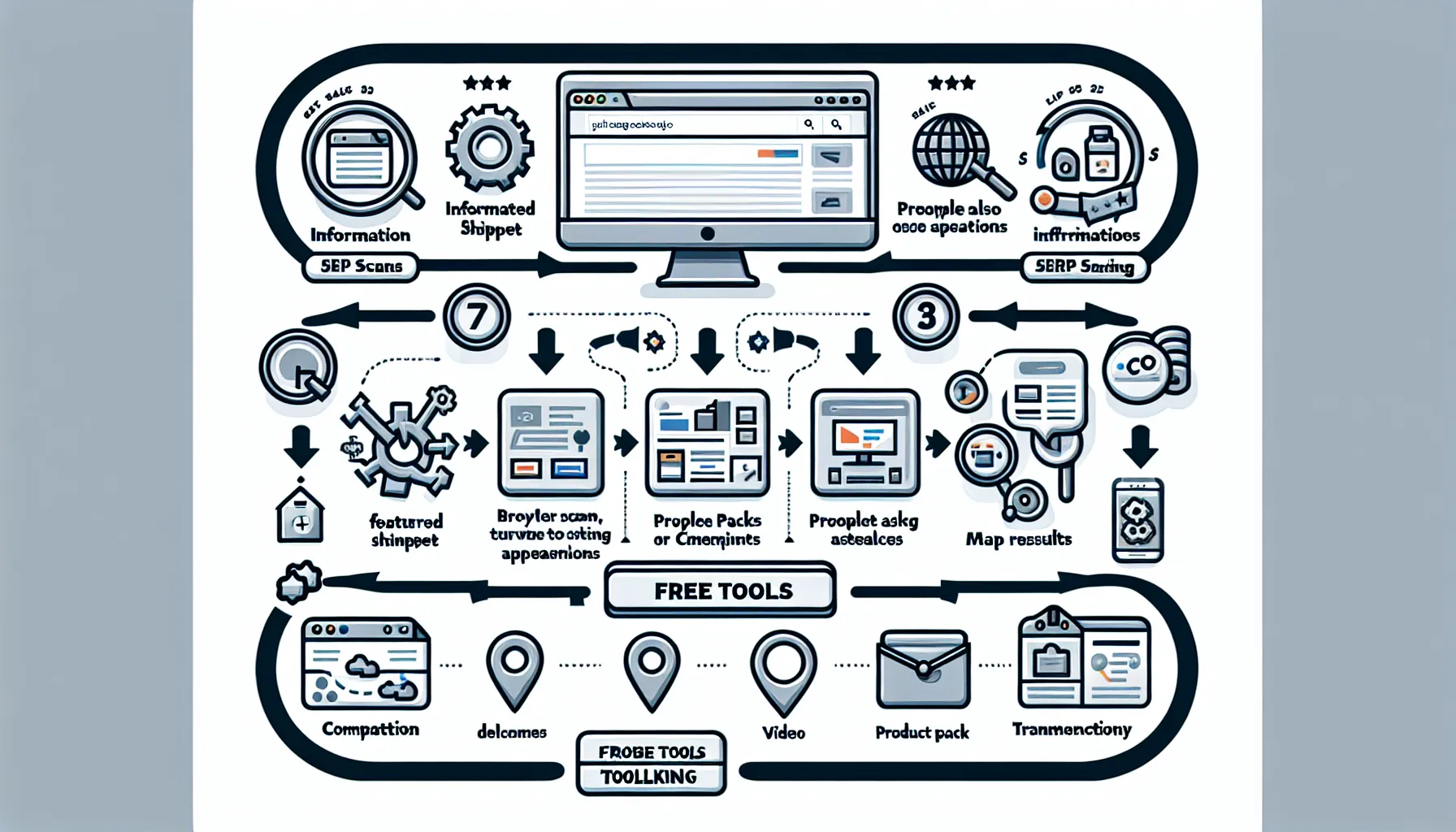
Look at page 1 like a merchandiser. Count the formats: featured snippet, map pack, product results, videos, People Also Ask. If snippets dominate, craft a direct, 40–60‑word definition near the top of your article. If videos appear high, consider adding a short how‑to clip. For local terms, bake NAP details and service area into the page and your GBP profile.
Intent tells you structure. Informational queries want scannable H2s, glossary elements, and clear steps. Comparison queries call for feature tables, pros and cons, and pricing clarity. Transactional keywords need strong trust signals, CTAs, and FAQs.
Free Tools For Briefs, Optimisation, And CTR Wins
- Use SEOquake to review competitors’ word count, headings, and basic markup. You’ll quickly spot content gaps.
- Draft titles with benefit + specificity: “Free SEO Software: 7 Tools That Fix Errors Fast” beats a vague headline. Test preview length with a simple SERP snippet simulator.
- For WordPress, Yoast’s free version checks titles, meta descriptions, and readability. It’s imperfect but keeps the basics tight.
- Borrow questions straight from People Also Ask to flesh out FAQs. Short, direct answers help you win snippets and boost CTR.
Technical SEO And Site Health
Lightweight Crawling, Audits, And Fix Priorities
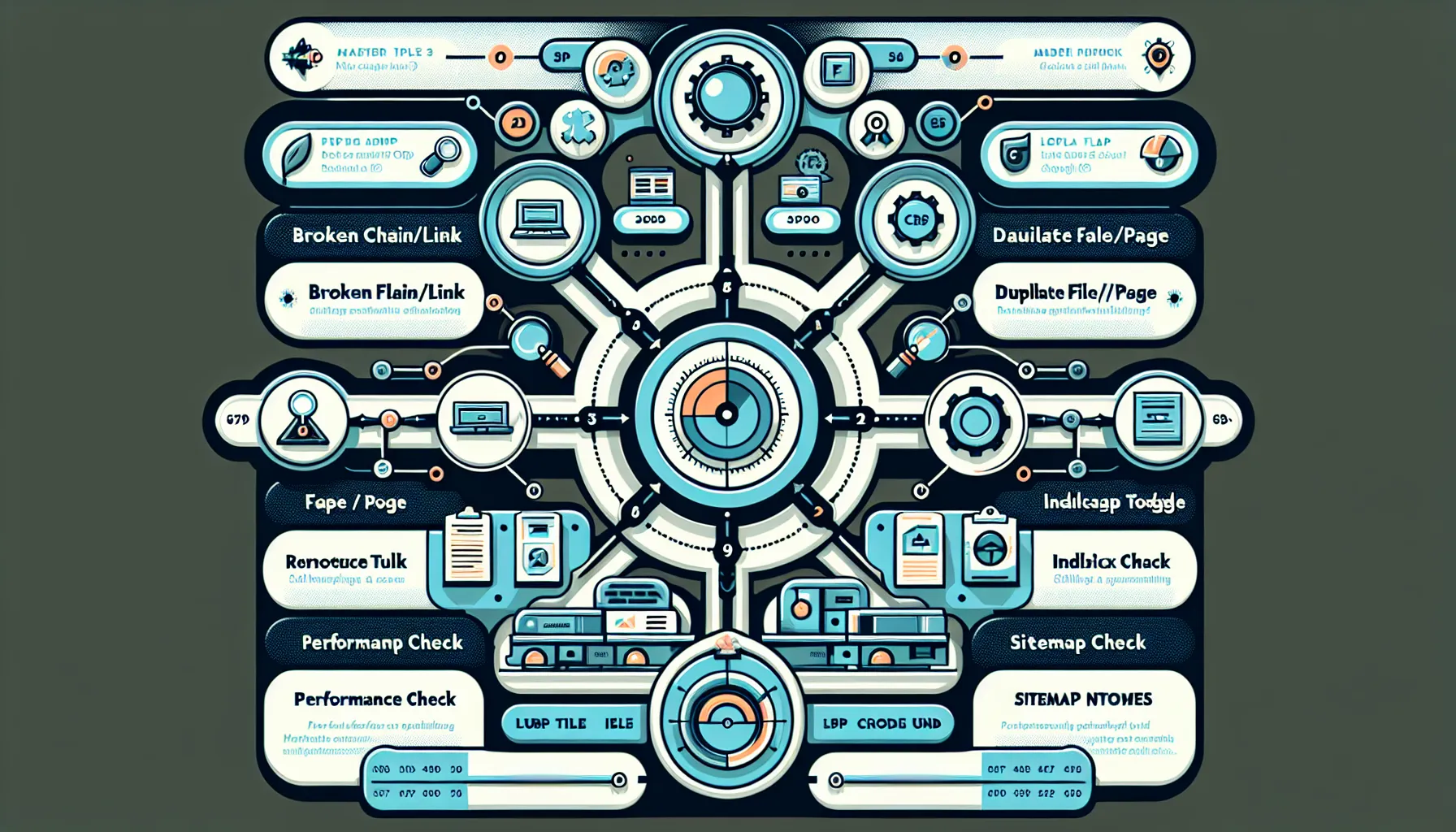
Run Screaming Frog on your top templates first,homepage, category, product/service, blog. Fix in this order:
- Broken links and 404s that waste crawl budget.
- Duplicate title tags and missing meta descriptions.
- Non‑indexable pages that should rank (wrong canonicals, noindex by mistake).
- Large images and bloated scripts hammering load time.
Cross‑reference with GSC’s Coverage and Page indexing reports to make sure fixes stick. If you only do one thing this week, clear critical errors in GSC before chasing new keywords.
Speed, Core Web Vitals, And Index Coverage
PageSpeed Insights surfaces render‑blocking resources and image optimisation opportunities. Address LCP with compressed hero images and server caching, improve CLS by fixing dimensions, and reduce JS for better INP. In GSC, monitor Core Web Vitals by URL group, then test priority templates in PSI after changes. For indexation, keep XML sitemaps clean and updated, and make sure you’re not shipping thin tag pages to Google unless they serve a purpose.
Off‑Page SEO And Performance Tracking
Link Prospecting, Monitoring, And Brand Mentions
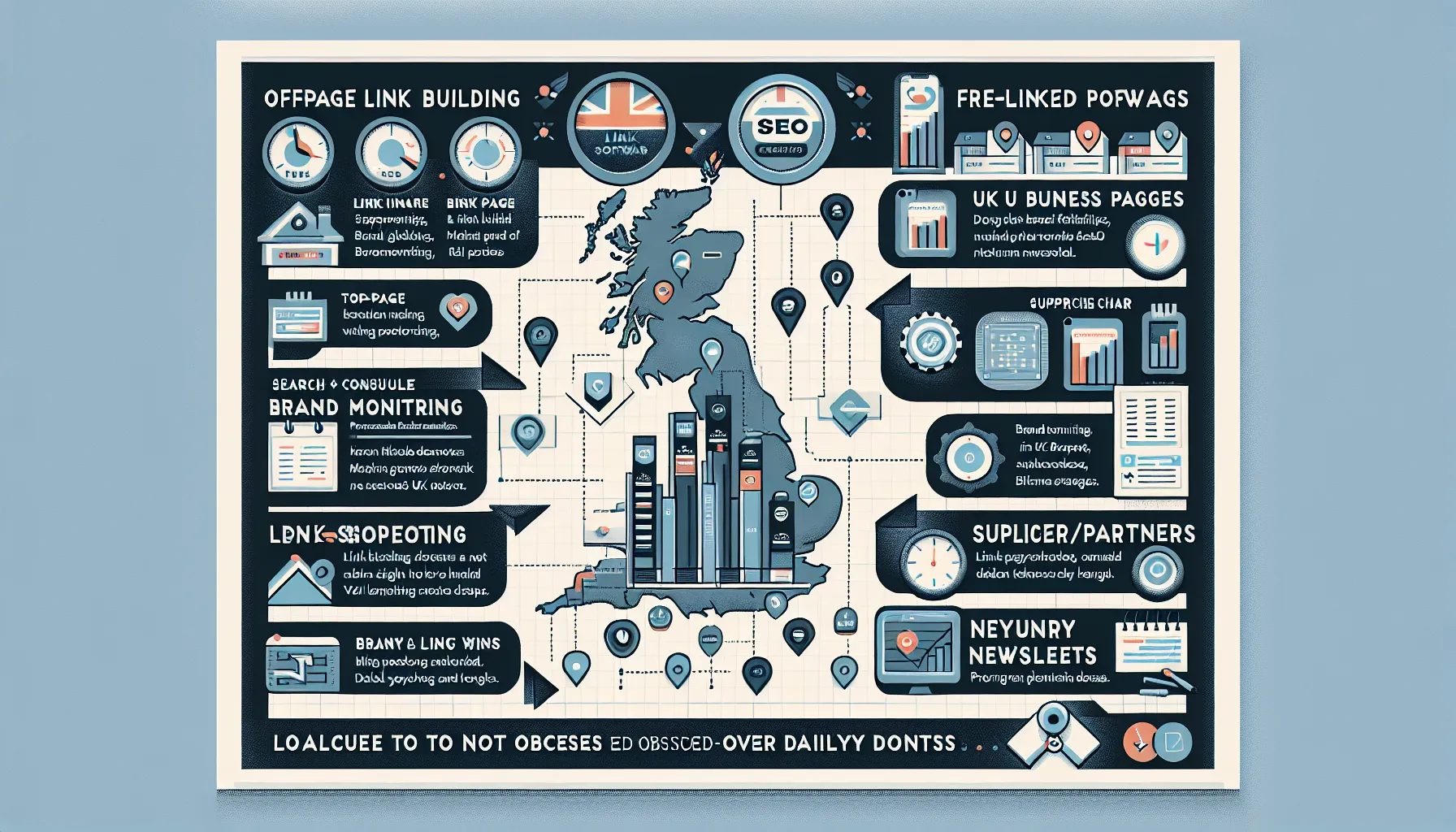
With zero budget, you can still earn links. Use AWT’s free site audit to find top‑linked pages,those are models for future outreach. Set up Google Alerts for your brand and product names to catch unlinked mentions and politely request a link. For local businesses, complete and maintain your Google Business Profile and submit to credible UK directories relevant to your niche.
When prospecting, look for:
- Resource pages and university lists where your guides add value.
- Suppliers and partners willing to list you.
- Industry newsletters hungry for data or how‑to pieces.
Free Rank Tracking And Reporting Options
GSC is your primary tracker,filter by country: United Kingdom, view by page and query, then compare last 28 days vs previous. For a few vanity terms, manual checks in an incognito window are fine. If you must monitor a handful of keywords daily, some suites offer tiny free allowances, but don’t obsess. Trendlines beat day‑to‑day noise.
Putting It All Together: A Lean Free SEO Stack
Sample Weekly Workflow And Tool Stack
Keep it lightweight so you actually do it:
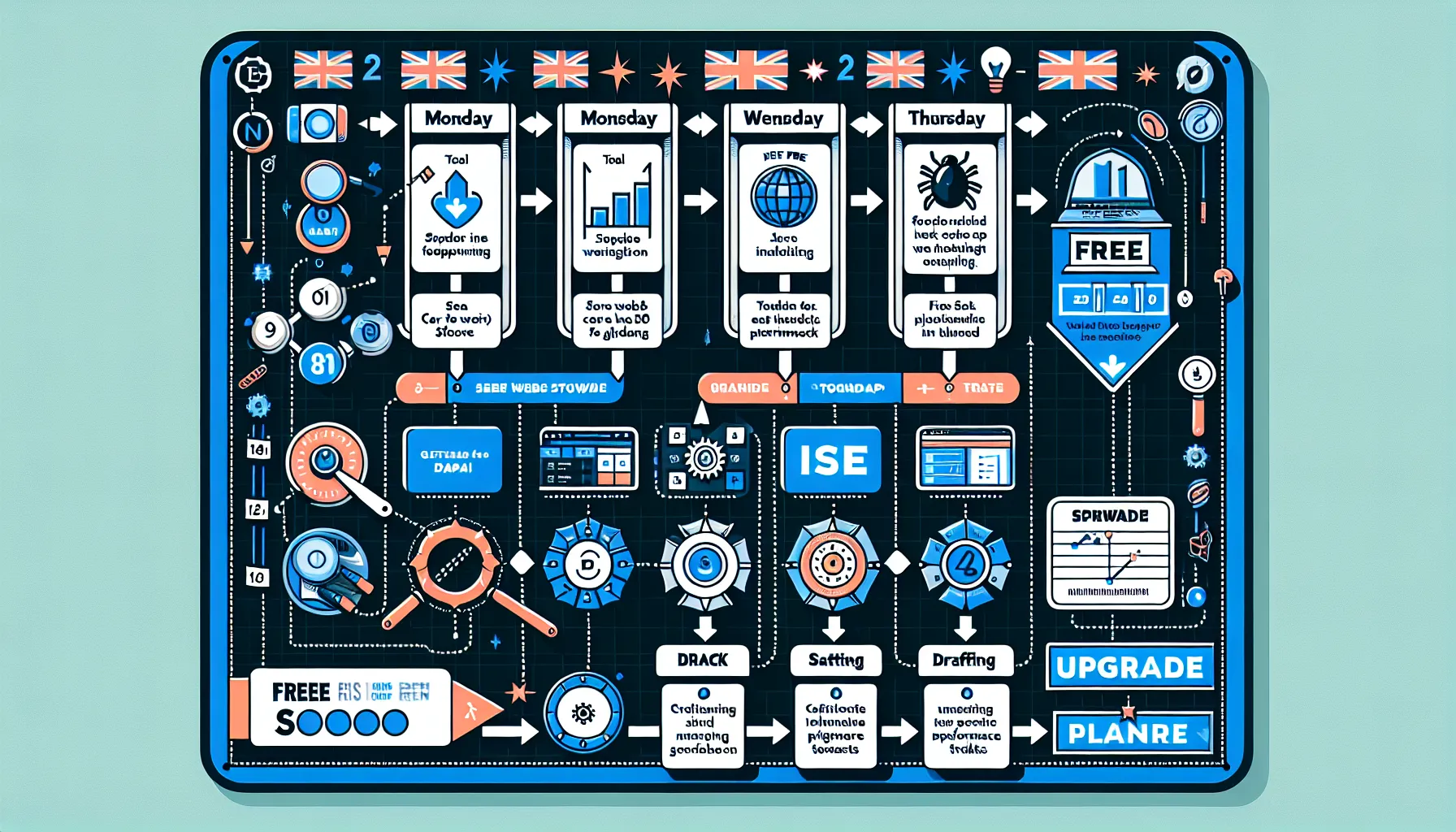
- Monday: Check GSC for pages with high impressions and low CTR. Rewrite two titles and meta descriptions. Submit for re‑indexing if you significantly changed content.
- Tuesday: Crawl priority templates in Screaming Frog. Fix broken links and duplicate titles. Re‑test.
- Wednesday: Keyword ideation in Keyword Planner + AnswerThePublic. Finalise one article outline based on SERP intent.
- Thursday: Draft and publish. Add internal links from related pages. Validate headings with a quick SEOquake skim of top competitors.
- Friday: Review Core Web Vitals for key templates in PageSpeed Insights. Ship one performance fix (image compression, lazy‑loading, or script deferral).
That cadence compounds. Over a quarter, you’ll refresh 12–15 pages, publish 10–12 targeted articles, and squash the common technical gremlins.
When Free Stops Being Enough
There’s a ceiling. The moment you need bulk rank tracking, deeper competitive gap analysis, or editorial planning across several contributors, you’ll spend more time stitching tools than shipping work. That’s where a guided planner shortens the distance between data and action.
If you want an all‑in‑one that stays friendly to non‑specialists, MyMarketr blends SEO research with step‑by‑step content planning and competitor benchmarking,no setup headaches, no labyrinthine reports. It's designed for founder‑led SMEs and small agencies, with a current early adopter rate of £99/month. You can explore how it guides you from keyword ideas to published content and performance monitoring here: https://mymarketr.io/. For a deeper taste of the approach to benchmarking content, see our guide on digital marketing benchmarking: https://mymarketr.io/blog/digital-marketing-benchmarking-guide/.
Prefer to keep it free for now? Use Google Search Console as your source of truth: https://search.google.com/search-console/about. Layer in Screaming Frog (free), AnswerThePublic, and AWT. Then add a planner only when your workload or team size demands it.
Frequently Asked Questions
What can free SEO software help me achieve?
Free SEO software can surface keywords, tighten on-page SEO, and diagnose technical issues without a budget. Using tools like Google Search Console, Screaming Frog (free up to 500 URLs), Ahrefs Webmaster Tools, SEOquake, and AnswerThePublic, you can spot cannibalisation, optimise titles and meta, fix crawl issues, and plan UK‑relevant content.
How do I prioritise keywords without paid tools?
Start with Google Search Console: export queries with high impressions and low CTR for quick wins. Use Google Keyword Planner for UK volume ranges and Google Trends for seasonality. Check live SERPs for intent and difficulty, then prioritise by business fit, page type match, and opportunity size. Label targets: rank, refresh, or build.
What are the common limitations of free SEO tools and how can I work around them?
Expect crawl caps, limited historical data, and shallow competitor insights. Work around this by triangulating data across GSC, Keyword Planner, and live SERPs, sampling priority sections in Screaming Frog, and manually assessing intent and SERP features. Focus on clear, weekly actions over chasing metrics you can’t reliably access for free.
Which free SEO software is best for beginners in the UK?
A lean starter stack works best: Google Search Console for performance, Screaming Frog (free tier) for technical checks, SEOquake for quick page audits, AnswerThePublic for questions, and Ahrefs Webmaster Tools for backlink snapshots. This mix balances ease of use with UK‑relevant insights and avoids dashboard overload for small teams.
Do free SEO tools improve rankings directly, or just measure performance?
Free SEO software doesn’t boost rankings by itself; it reveals what to fix and where to focus. Use insights to improve titles, align content with search intent, repair crawl errors, speed up pages, and build internal links. Those actions drive ranking gains—tools simply guide and validate your work.
