0:00 Hello and welcome to this quick tutorial where we’re going to cover the different types of content within the MyMarketer platform.
0:07 So there are currently two different types of content that have been created for you, and we’re going to start off here from the Project Home and go into our content down here, and we’re going to open the Schedule tab.
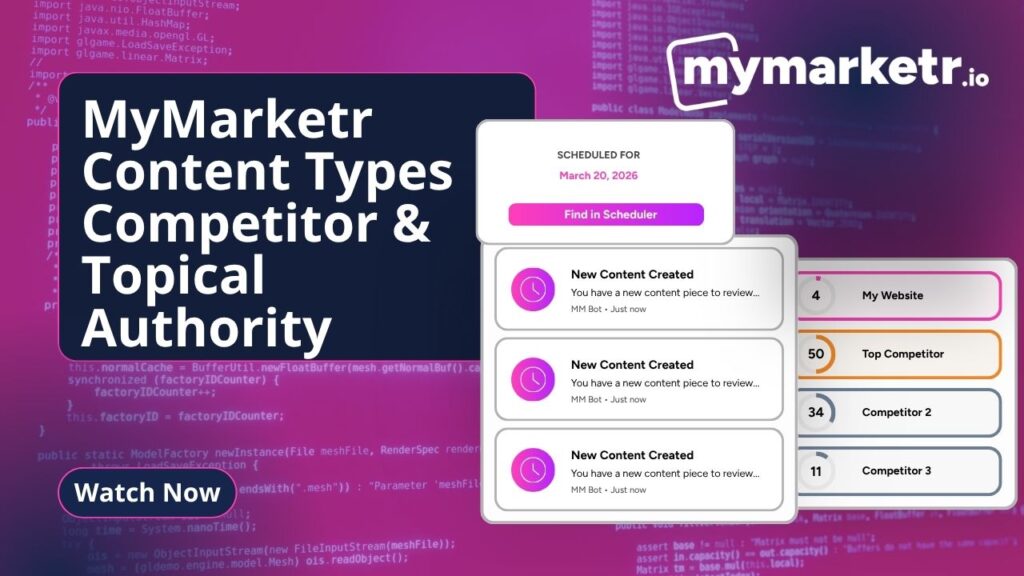
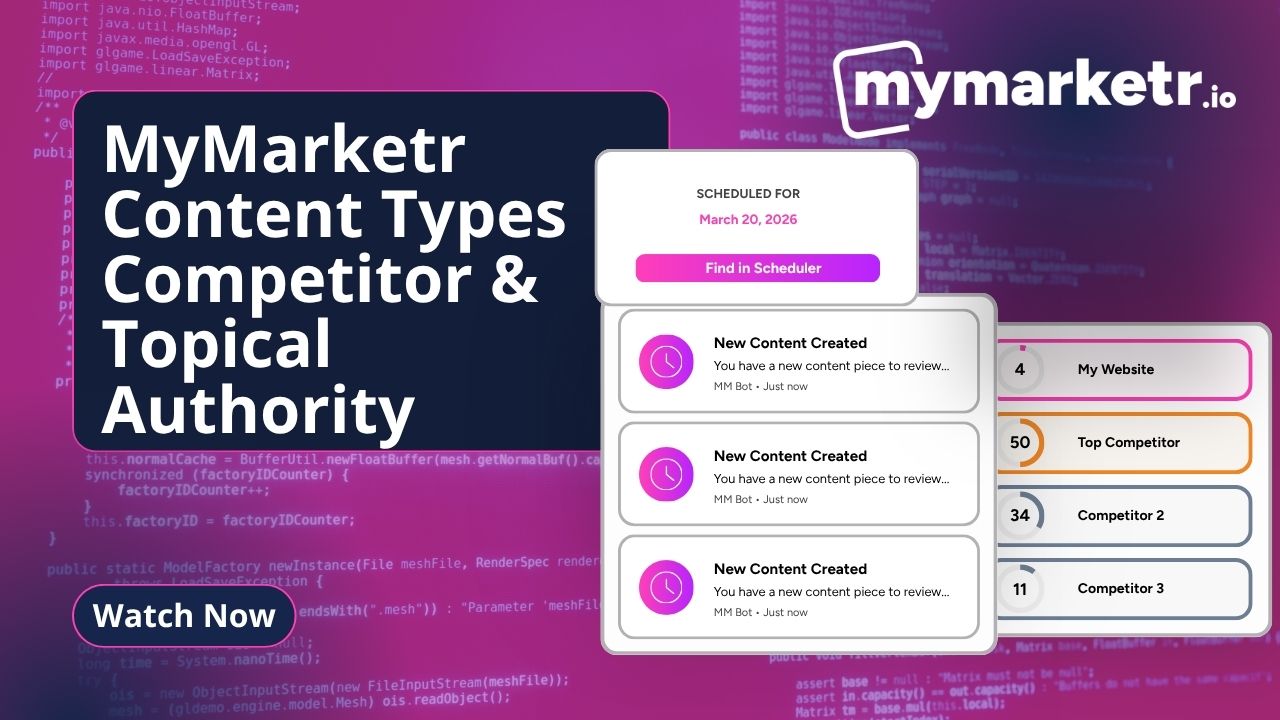
0:16 So in Scheduler, you’ll see these are the pieces of content that are scheduled for you for the next three months or so.
0:22 Now, this is taking into account the three competitors that you typed in when you first joined MyMarketer, and this is specifically, you may remember, looking at the gap that exists between you and them in terms of content.
0:34 So all of this content we have here is what we term internally as competitor chasedown or competitor overview content, deliberately designed to fill that gap between you.
0:43 The other type of content that is also really important, is again, still down in my content. If we go to, we’ve got two ways of going about this.
0:50 Now we can look at quick create, which I’ll probably come on to in a second, or we’ll look at my content ideas here.
0:55 Now this is what we would call topical authority. Now, if we look at this through the Google lens, It’s Google.
1:01 Google wants to serve people at the very, very best results. It’s obsessed with giving people the best quality and sending them in the right direction.
1:09 Amongst a number of the things that Google look for are relevance and authority. So relevance, you know, we can look at that very simply by keywords.
1:17 But they need to make sure that what the person is searching for is the keyword that you have. It’s the question that effectively you’re answering.
1:24 But also when we look at authority, this is you showing to Google, actually I’m trusted, I’m authoritative. And there are various different ways of doing What we’re doing at the moment is building content management.
1:33 And that builds that topical authority. So the content that you’ll find here in My Content Ideas and in Quick Create, which is effectively My Content Ideas, but the quick way of creating the content here, this is looking at the overall arena effectively that your business sits in.
1:49 And it’s going to make sure that the content that you’re putting out there, you’re creating content that’s relevant to your industry, that is effectively going to help you build that topical authority.
1:59 Now this side of things is really simple. All I need to do is click on one of these arrows here, and I can go ahead and create content by clicking it.
2:05 And you’ll find there are quite literally hundreds of different titles that you can choose from. All of this, as you can see, is accessible from the project home, but also for more of an overview in terms of your competitors, you’ve got the competitor overview section here and your schedule.
2:21 The one thing we always say from project home is to make sure that you keep an eye on up next, because this is your automation.
2:27 This is the schedule here that’s going to create your next piece of content. So we want to make sure that this is particularly relevant.
2:33 This is what we’re looking for. If not, and it isn’t always the case, then we just need to dip back into it.
2:37 Dip back the schedule really quickly and take any of those keywords out that are either not relevant or are repetitive.
2:44 Thanks for watching.