0:00 Hello and welcome to this quick guide on how to make the most out of MyMarketer. So, everything starts from the project homepage.
0:09 This is the central hub, if you like, of the platform. And this is designed very deliberately to give me an overview, in a way, of what’s going on, importantly what the platform has done for me, what it’s achieved to date, but also things I need to keep an eye on and some of my options for where to go
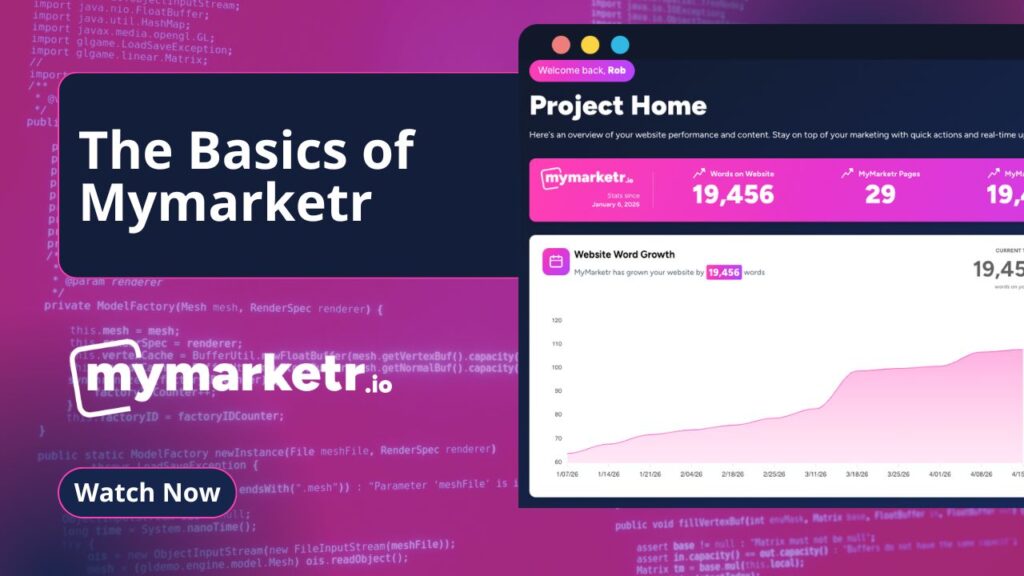
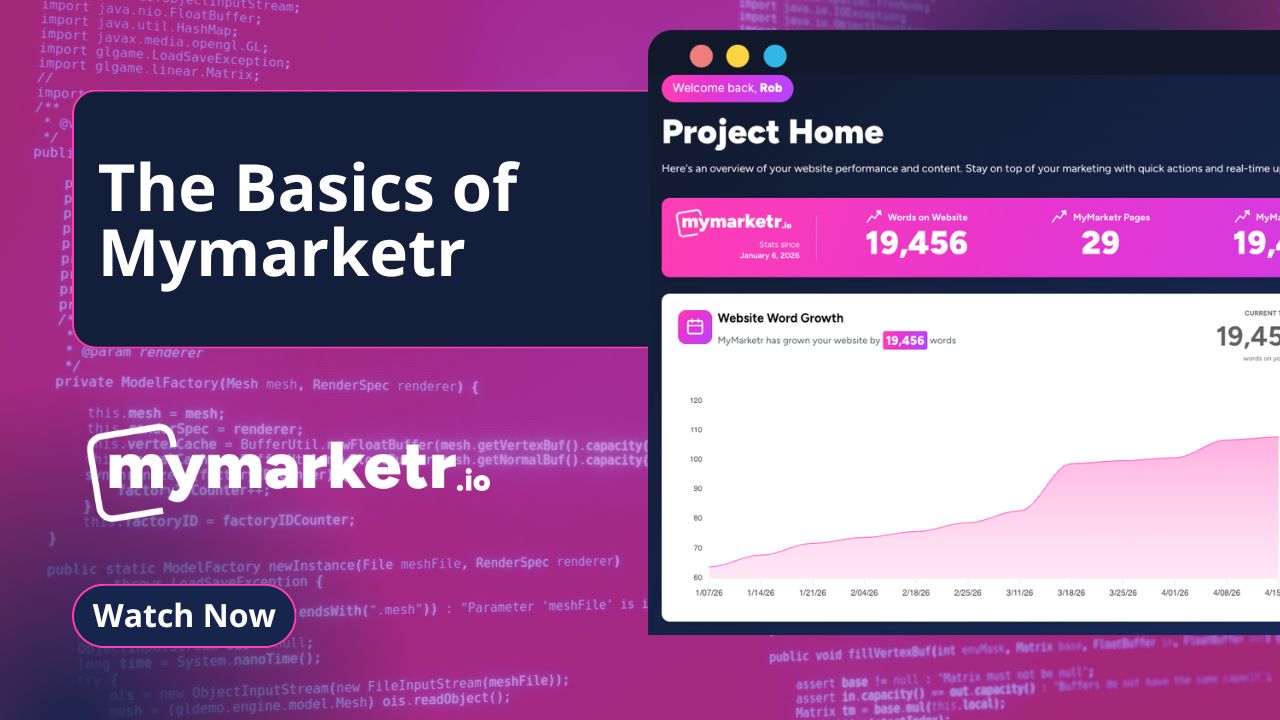
0:25 next. So, dealing with those things in turn, firstly, this pink bar here is going to give us those high-level metrics, high-level statistics.
0:32 of exactly what the platform is doing for us. So, we can see here a snapshot of the words on our website.
0:38 That’s how many words we’ve got currently. Remembering words, of course, are not the only metric, but they’re a really important metric in terms of keywords, in terms of Google, people finding us.
0:46 Uhm, so this is a really useful metric. It’s good statistic to keep an eye on, because it lets us benchmark our website’s growth.
0:53 We can see how many pages we have that are MyMarketer-created, MyMarketer-generated, and we can see how many words. Now, you may find that if your words are the same as your website, your MyMarketer words, that is, uhm, that is because you’re because you’ve had a website built by MyMarketer in the same
1:06 way that we ourselves have, so it’s a MyMarketer-exclusive build, therefore all of the words are created by the platform. Uhm, here you have words this week, so how many words have been created in the last week for you, and your average content score will always expect this to be in the 70s or 80s.
1:22 And remembering where that benchmark sits, this isn’t just a case of, in respect of competitors compared to their content, we go out, painstakingly go out and compare this to the best that there is on the internet before we produce content for you.
1:36 So that is it So is the high-level stats, high-level metrics that you will see every time you log in. These will be updated and as near to the day, near to the hour even, that you can possibly find. 1:45 When we scroll a little bit further down, we can see here that we’ve got our website growth. So the Transcribed https://otter.ai So this is going to basically give us the same type of information here, just more visual that we can probably understand.
1:58 So you can see here the growth curve as my market continues to build your website for you. This bit over here is one of the key parts to pay close attention to.
2:08 This is the automation. So we’ve got a fully automated process here that is creating you content based on the keywords.
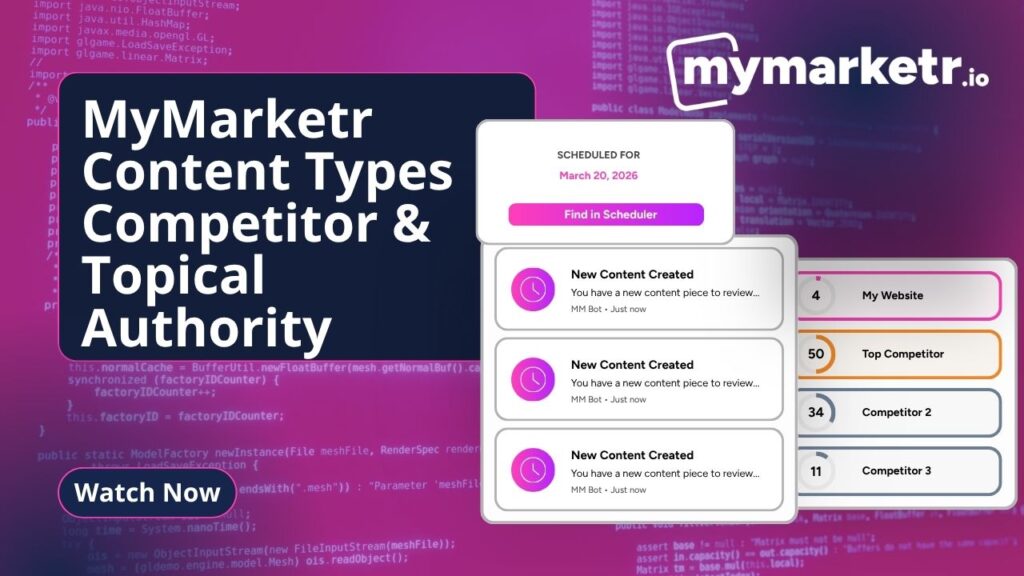
2:16 Now, if we go back to the process, this is the competitor chase down, as we call it, or competitor overview.
2:22 This is looking at the competitors you’ve given us. Looking at the gap that exists between you and how we fill that gap with content, and some very clever automations, very clever AI automations to take place here in order to create a list, a scheduled list, in your scheduler of the different categories
2:40 . Keywords, effectively, that we need to create for you. This is never an exact science, so it’s always really important to pay close attention to this to see what you’ve got coming next.
2:50 And you can go into the scheduler where you can delete keywords based on relevance or based on repetition. So be sure to make sure that this list is working for you.
3:01 And in the scheduler, you can actually see three months’ worth in advance as well if you did want to take a bigger overview of everything you’ve got.
3:09 content to review. So this page here will show over the content that sits with you, that’s been internally quality controlled, QC’d by us, but sits with you for review and sign off.
3:21 So you can go directly by hovering and clicking here, or you can go and view all of your content pieces in the My Creator content section.
3:28 Recent activity, as the name would suggest, this is going to show you everything the platform is doing, pretty much behind the scenes, but you’d expect to see those updates here.
3:36 Again, you can go to your activity page by clicking view all here as well. And this part here is also really important because, remember that we’ve got different content types of content, or content at least that serves different purposes.
3:48 We’ve got the chase down content, as we call it, the competitive led stuff, but also we’ve got that really important topical authority type content, which you’re going to find in content ideas, and quick create gives you the, as the name would suggest, the quick way of creating that content.
4:03 But this is actually going to serve up to you some very science-led, shall we say, some content ideas that are there, top forming content ideas, again, that you can click on, you can go through, and this will take you through to quick create, in order to create those.
4:19 And, lastly, the boring stuff, but the essential stuff, these integrations here, so if your website is built in WordPress, again, if you’re a launch accelerator built by my marketer, you will be built in WordPress.
4:29 And then do make sure that we’ve got connected shown here. If not, this doesn’t show you, you’ll be looking at a button here that will take you through to how to connect your website up.
4:38 So, what that basically means, it gives you, effectively, one-touch publishing, so you can click the publish button, that will then publish directly to your website.
4:45 Makes life really nice and simple. And what we have here, here are your Google integrations, so a really good way of just, you know, going one up in terms of levels, in terms of quality of the metrics that you can see, plugging in your Google Analytics, plugging in, rather, your Google Search Console
5:01 , it’s one button to take care of both, and this will make sure that all of the metrics that we have across the platform are Google-led, so as near as pinpoint accuracy as we can possibly get for you.
5:12 Uhm, and at a really high level, the things to keep an eye on as this process continues for you, it’s just going to be make sure that you’re making your own content requests over in the My Content or Quick Create sections.
5:27 These will, in time, become automated for you as well alongside the competitor overview. And just, again, make sure I can’t emphasize enough the importance of this panel here.
5:36 Making sure that this, or indeed the scheduler, are kept really up to date so that you know exactly what you’ve got coming next.
5:43 And you can make sure that it’s super relevant to exactly what your business is doing and what you’re trying to achieve in the weeks and months ahead.
5:51 Thanks for watching, and as ever, good luck. If you’ve got any questions, then reach out to one of us or the support team and we will absolutely be on hand to assist you.